


This post may contain affiliate links - Advertiser Disclosure. As an Amazon Associate, we earn from qualifying purchases.
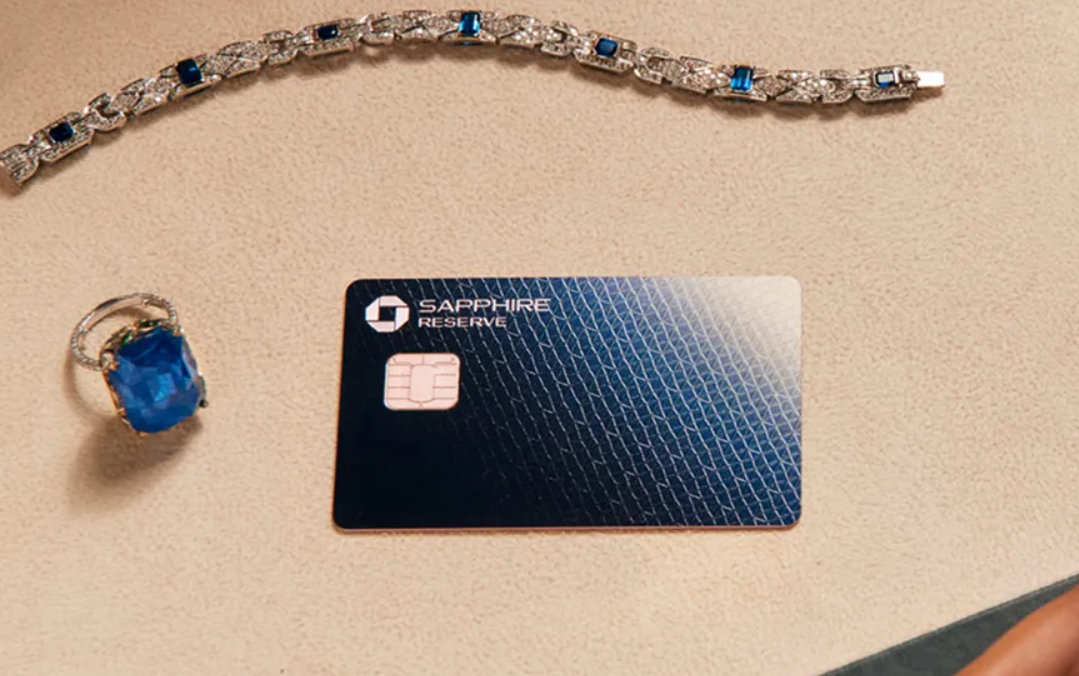
Free Annual Calm App Membership for Sapphire Reserve Members
Chase is once again offering Sapphire cardholders either free or half priced Calm membership. Calm is an app that helps you “sleep more, stress less, and live mindfully with a range of science-backed content and activities for daily mental health support”. Let’s see how these offers work.
The Offers
- Reserve cardmembers can receive one year free of Calm Premium (spend up to $91, get up to $91 back).
- Preferred cardmembers can receive 50% off one year of Calm Premium (spend up to $91, get up to $46 back).
Offer expires 3/31/2026. Must make first recurring payment by 4/14/2026.
Key Terms
- Offer valid on first payment only.
- Offer only valid on purchase made directly with the merchant online through calm.com.
- Offer not valid on purchase made in the Calm app or App Stores.
- Offer not valid on purchase made using third-party services or a third-party payment account (e.g., buy now pay later). =
- Recurring subscription payments begin after trial. For subscription cost and to cancel subscription, please visit merchant website for details.
Conclusion
This offer can be found in the Chase Offers section and it’s available for all Sapphire Reserve and Sapphire Preferred cardmembers.
I have not signed up yet myself so I can’t tell you if it’s a helpful app or not. But if you can get it for free with your Chase Sapphire Reserve card, then it could be worth it.
Let us know if you have used the app!



not available on my chase offers
Yes, I am sure Calm is losing business since it is now a free option in iPhones. Apple now offers a version of Calm for free so this is a useless perk.
Built-in iPhone Features (No Extra Apps Needed)
Background Sounds (For Focus & Sleep)
Go to Settings > Accessibility > Audio/Visual > Background Sounds.
Toggle it on and choose from sounds like Rain, Ocean, Stream, Bright Noise, Dark Noise, or Balanced Noise.
You can have it play continuously or only when your iPhone is locked.
Ambient Music (iOS 18.4+ Feature)
Open Control Center (swipe down from top-right corner).
Tap the Ambient Music icon (or add it via Settings > Control Center).
Select themes like Sleep, Chill (lo-fi), Productivity (beats), or Wellbeing (piano/nature).
Tap the control in Control Center or the Now Playing widget to manage it.
How to Add to Control Center
Go to Settings > Control Center.
Find Ambient Music and tap the green plus (+) icon to add it.
Where is the Chase offers section you referred to? I have looked for it on the chase site and on this articles page.
Thank you!
Stephan
When logged into your credit card you should see a Chase Offers section right on the page. You may even seem some shopping discounts show on the main login. That is Chase Offers. Once you view them then you will see it and a + to add it to the card.